
Quiltt on any device residents choose.
Phone, computer, in-room tablet or wearable, with free games and content on each one.

Ruth's day
Her Quiltt home screen
- Chair stretch10:00 am
- New photo from EllenJust now
- Today's SudokuReady to play
- LunchChicken pot pie
One Quiltt, four ways in.
Every resident gets the same calendar, photos, family and games, on whichever device suits them.
Today
- Morning coffee social8:30 am
- Chair stretch10:00 am
- Live piano2:00 pm
The Quiltt app
On any iPhone or Android phone or tablet. Residents see events, meals and photos, and video call family.
This week
Quiltt on a computer
Residents who like a bigger screen and a keyboard sign in to the same Quiltt from their computer.
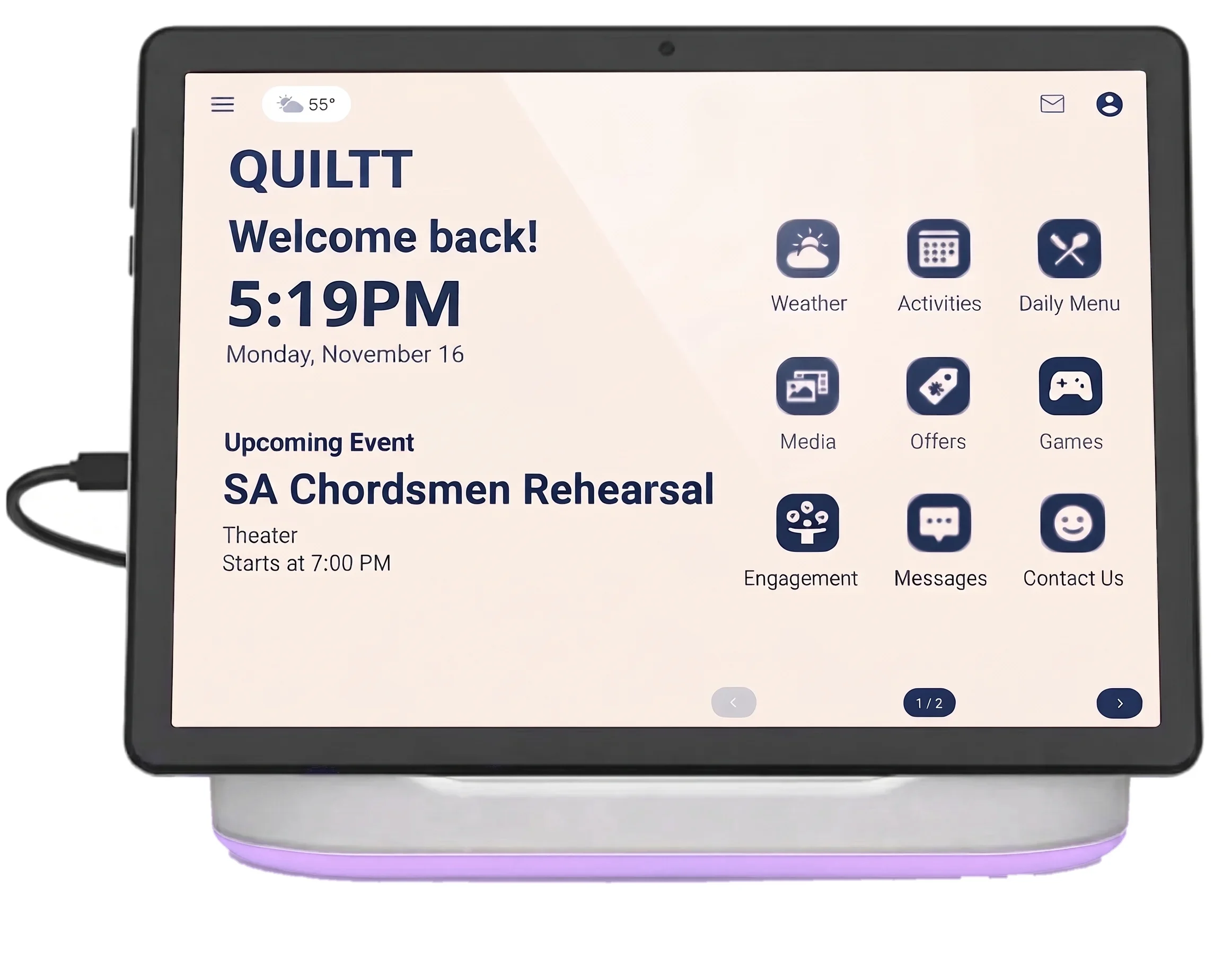
A Looma in their room
Residents can opt in to a Looma tablet that opens straight to Quiltt and nothing else. No app store, passwords or menus.
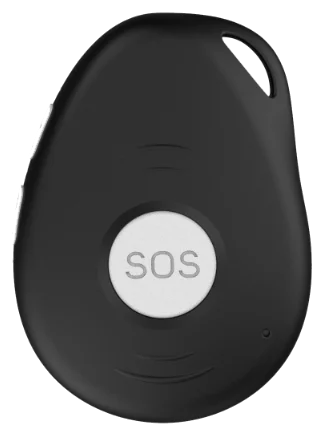
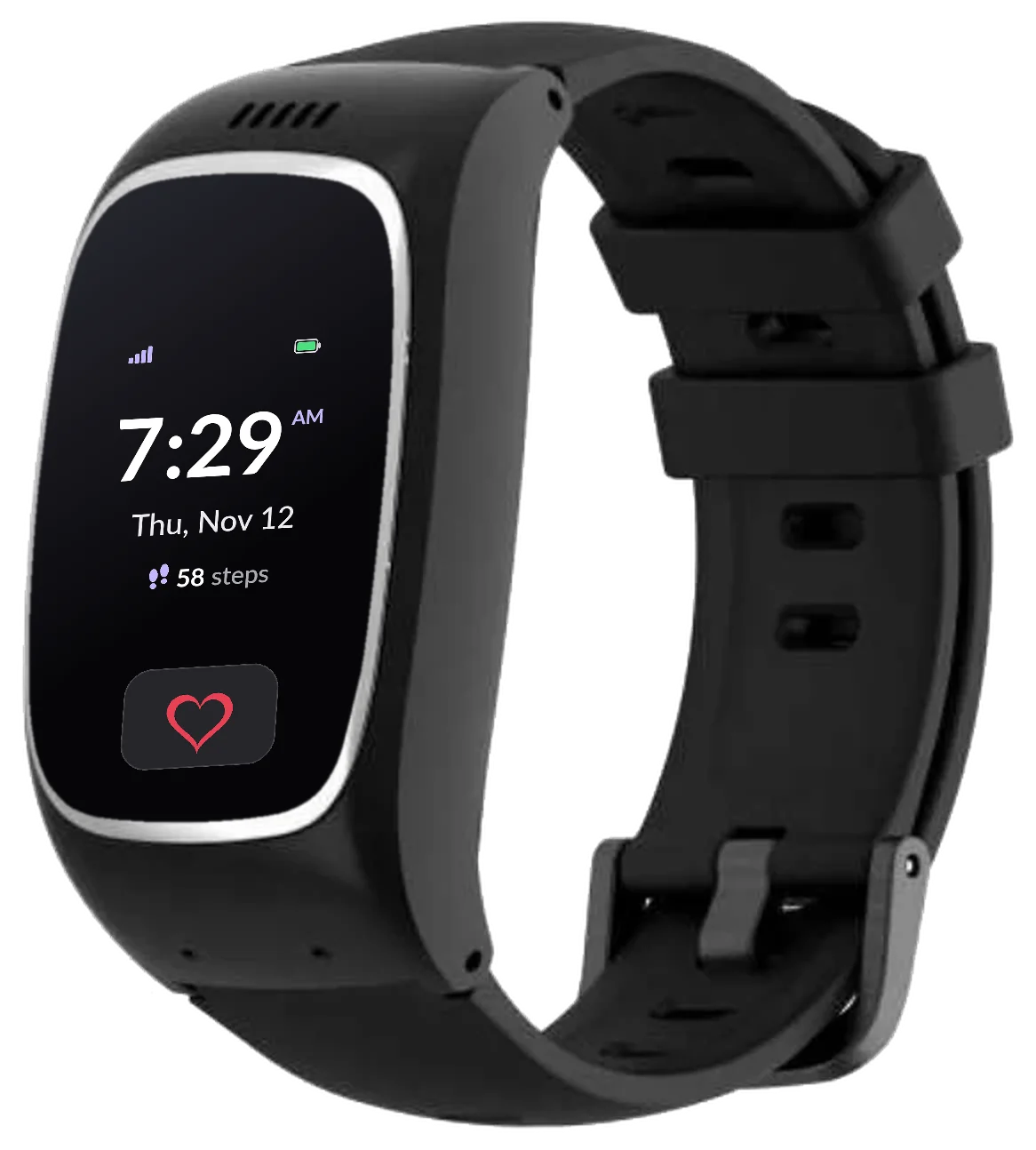
A Safety pendant or watch
Fall detection and an SOS button on a lanyard or the wrist. The watch also counts daily steps.
A community code is all it takes.
Residents download the Quiltt app, enter their community's code, and they're in.
Download the app
From the App Store or Google Play, on any iPhone or Android phone or tablet.
Enter the community code
Your team shares one code for the whole community.
Sign in only for more
Signing in opens up more content, but residents never have to.
Nothing to remember
No usernames, passwords or Apple ID needed to get started.
Their day and their people, in one place.
Residents video call family, browse every event, check the menu and save photos from the albums they can see.

Your people
- EllenDaughterVideo call
- SamGrandsonVideo call
- RitaFriend down the hallVideo call
Video calls with their people
Residents and families can video call anyone they're connected to, right from the app.
Every event, searchable
The whole calendar is there to browse or search, so nobody has to hunt for a printed copy.
- Chair stretchFitness roomMon, 10:00 am
- Live pianoMain loungeTue, 2:00 pm
- Watercolor classArt studioWed, 1:30 pm
- Music triviaMain loungeThu, 3:00 pm
- Movie nightTheaterFri, 7:00 pm
- Garden clubCourtyardSat, 9:30 am
Today
- Breakfast
- Buttermilk pancakes, fresh berries
- Lunch
- Chicken pot pie, garden salad
- Dinner
- Baked salmon, rice pilaf
Today's meals
The daily menu, so everyone knows what's for lunch.
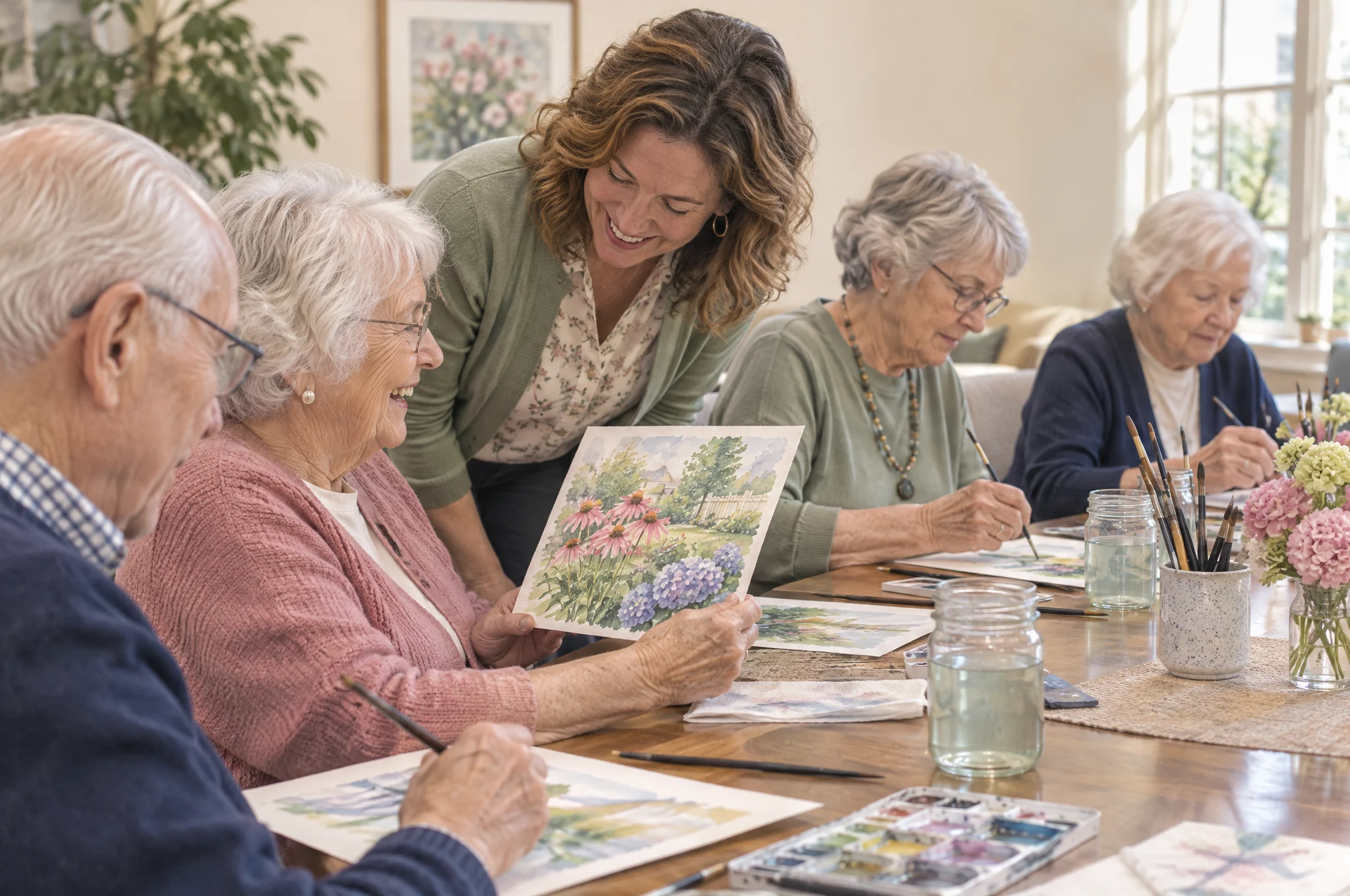
Photos to keep
Download any photo from the albums they can see.
- Ruth A. (you)
- Harold B.
- June K.
- Mae L.
An opt-in directory
Only people who choose to be listed show up.
Free games and things to watch.
Residents play Quiltt Games for free, on their own or with friends, on any of their devices.
Play on their own
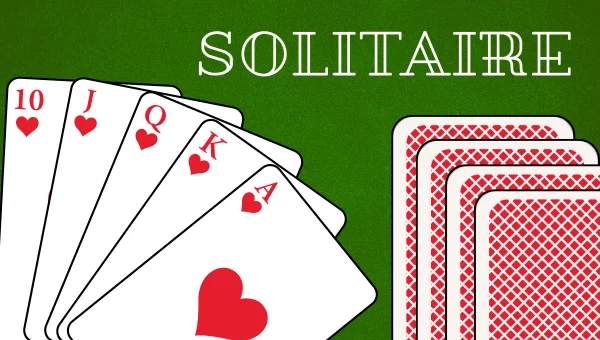
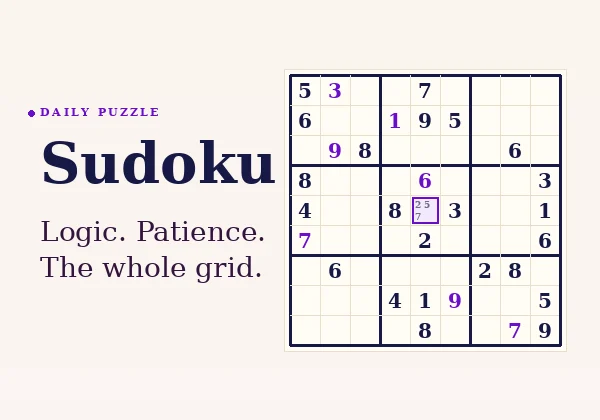
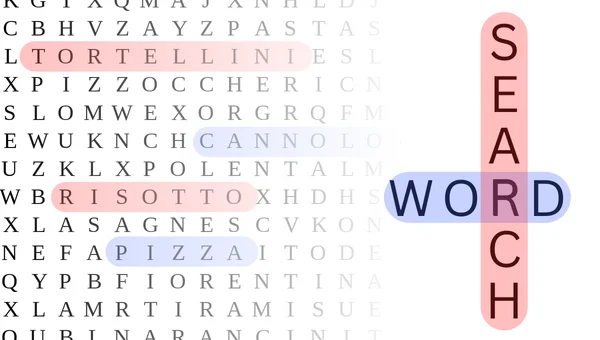
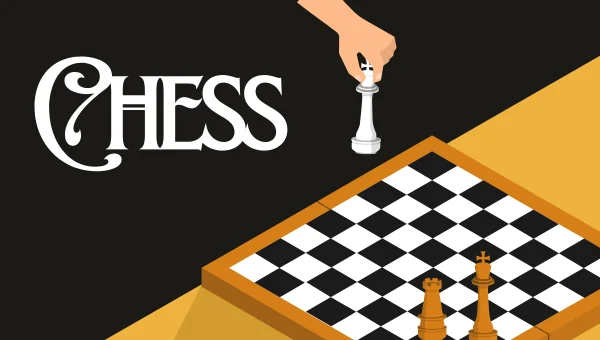
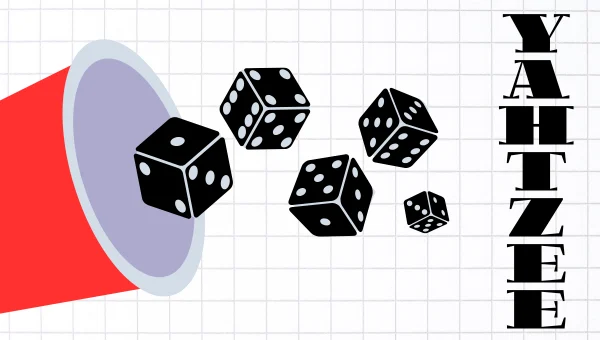
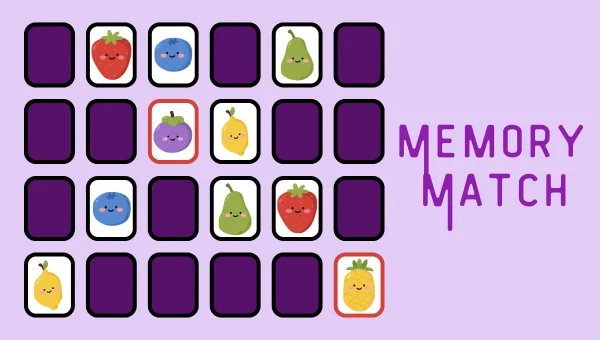
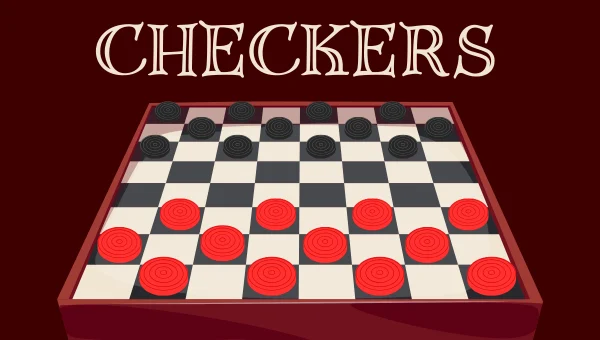
Solitaire, Sudoku, Chess, Trivia and more. No sign-up, no subscription.
Play together
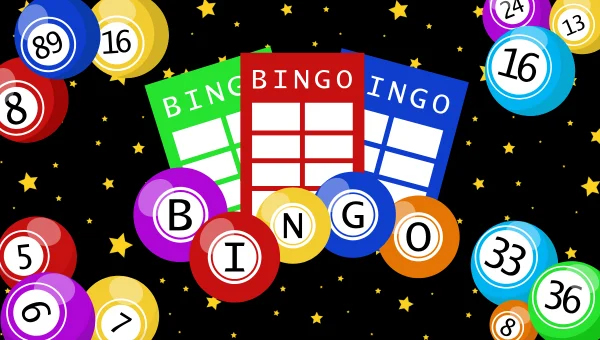
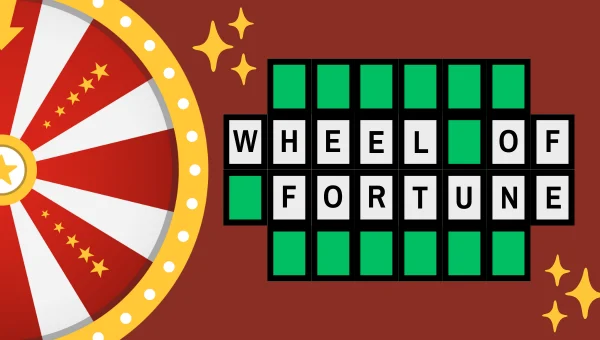
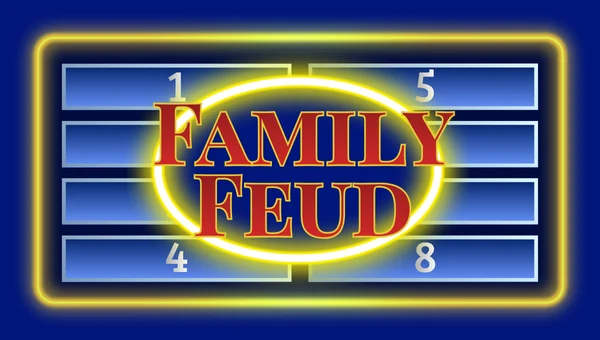
Game shows like Bingo, Jeopardy and Family Feud. Residents join from their own device.

The Quiltt Content Library
On-demand videos, trivia and inspiration, free for residents in the app, on signage and on in-room screens.
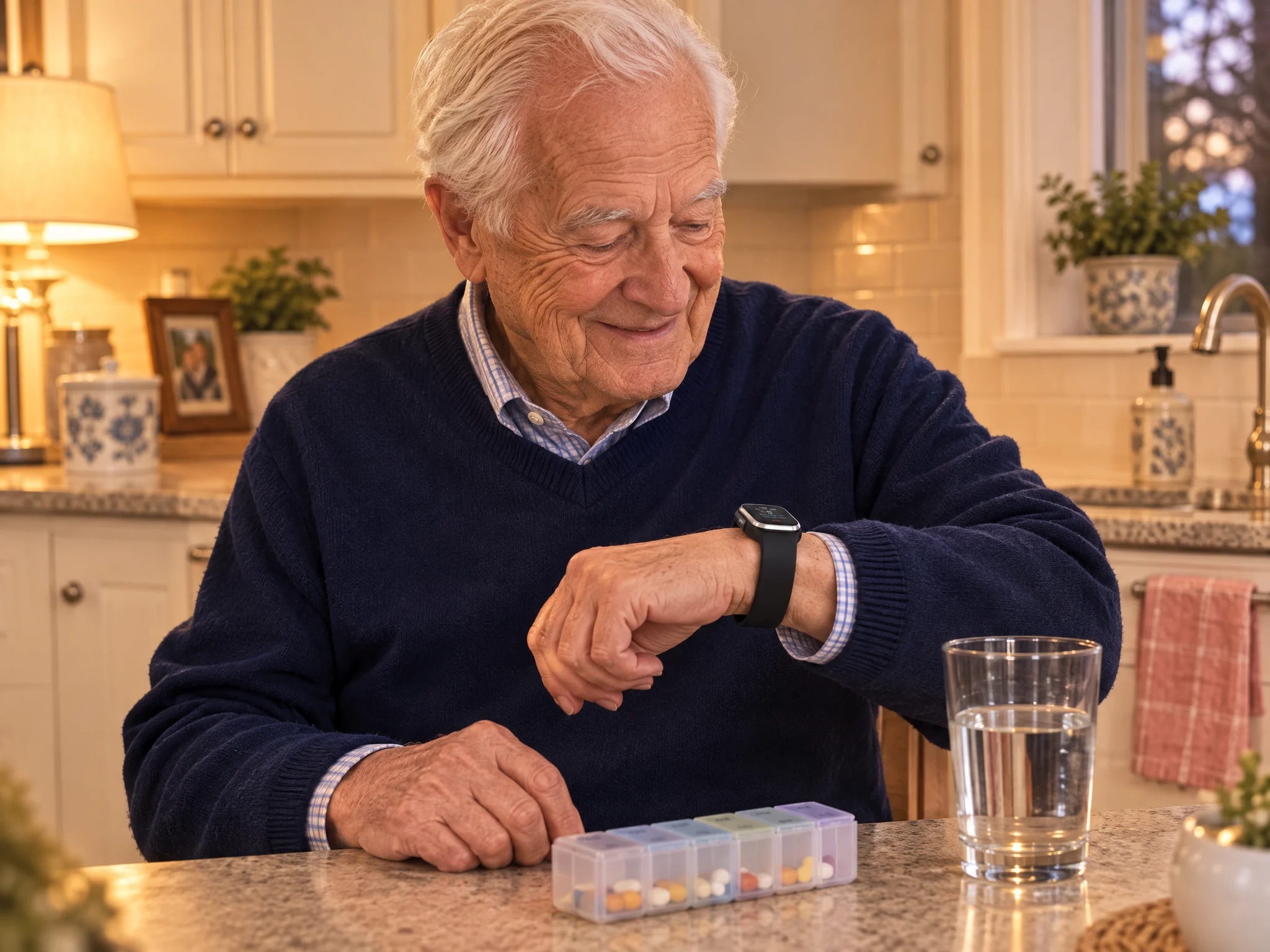
Fall detection and activity, worn every day.
Residents who choose a Quiltt Safety pendant or watch carry help with them, and the watch keeps track of how active they've been.
Fall detection
If a fall happens and no one can press the button, the device raises the alarm on its own.
SOS button
One press calls the people who matter and texts them where the resident is.
Steps and time worn
The watch keeps a gentle daily activity count, plus how many hours it was worn.
Their activity on Looma
Residents who use Safety devices can see their movement, sleep and routines on their Looma.
Pendant $149 or watch $179, plus $19.99 a month.
Quiltt Safety is not a monitored emergency-response service and does not replace calling 911.
See Quiltt SafetyEvery resident seen, none forgotten.
Life Story helps staff know who each resident is. REIS spots when something changes from their normal and tells staff when to connect.
Recommended today
Walter
Skipped coffee group twice this week
From his Life Story: loves talking about his years coaching Little League.
Stop by for a 1:1
Life Story
Guided conversations and family memories become a profile staff use every day, so every staff member can start a real conversation.
See Life StoryResident Engagement Intelligence System
REIS watches the signals your team already records and flags when a resident starts pulling away, so someone reaches out in time.
See how REIS worksQuestions about Quiltt for residents
Which devices can residents use?
The Quiltt app on any iPhone or Android phone or tablet, Quiltt on a computer through the resident and family portal, a Looma tablet in their room if they opt in, and Quiltt Safety pendants and watches.
Do residents need an account or a password?
No. They download the Quiltt app and enter their community code. Signing in opens up more content, but it's optional, and there are no usernames, passwords or Apple ID to remember.
How does Quiltt make sure no resident is forgotten?
Life Story helps staff know who each resident is. REIS, the Resident Engagement Intelligence System, spots when something changes from a resident's normal and recommends when staff should connect.
Do residents need a smartphone?
No. Residents can use a computer, or opt in to a Looma in their room, which opens straight to Quiltt with no app store, passwords or menus.
What does Looma need from residents?
Nothing. Your team assigns the device to a resident in Quiltt and it opens to their personal home screen. There are no accounts or passwords for residents to remember.
Are the games free for residents?
Yes. Residents play Quiltt Games for free, on their own or with others, on any of their devices. The free solo games open in any browser with no sign-up.
What is in the Quiltt Content Library?
On-demand videos, trivia and inspiration, on the app, signage and in-room media.
What does a Quiltt Safety device do?
Both the pendant and the watch have the SOS button, fall detection, live location and safe zones. The watch adds a daily step count and hours worn, health readings and reminders. It is not a monitored emergency-response service and does not replace calling 911.
Does it cost more to add residents?
No. Every Quiltt plan includes unlimited resident, family and staff users.
How do we try it?
Start a free trial. You get Quiltt Pro free for 14 days, then it becomes Essentials, free forever. No credit card needed.
Bring every resident into Quiltt.
Try Quiltt Pro free for 14 days. After that it becomes Essentials, free forever. No credit card needed.
Resident? Download Quiltt from the App Store or Google Play.