
Game day, without the setup.
Host game shows on the big screen while residents play along from their phones.
Already hosting? Sign in to Quiltt Games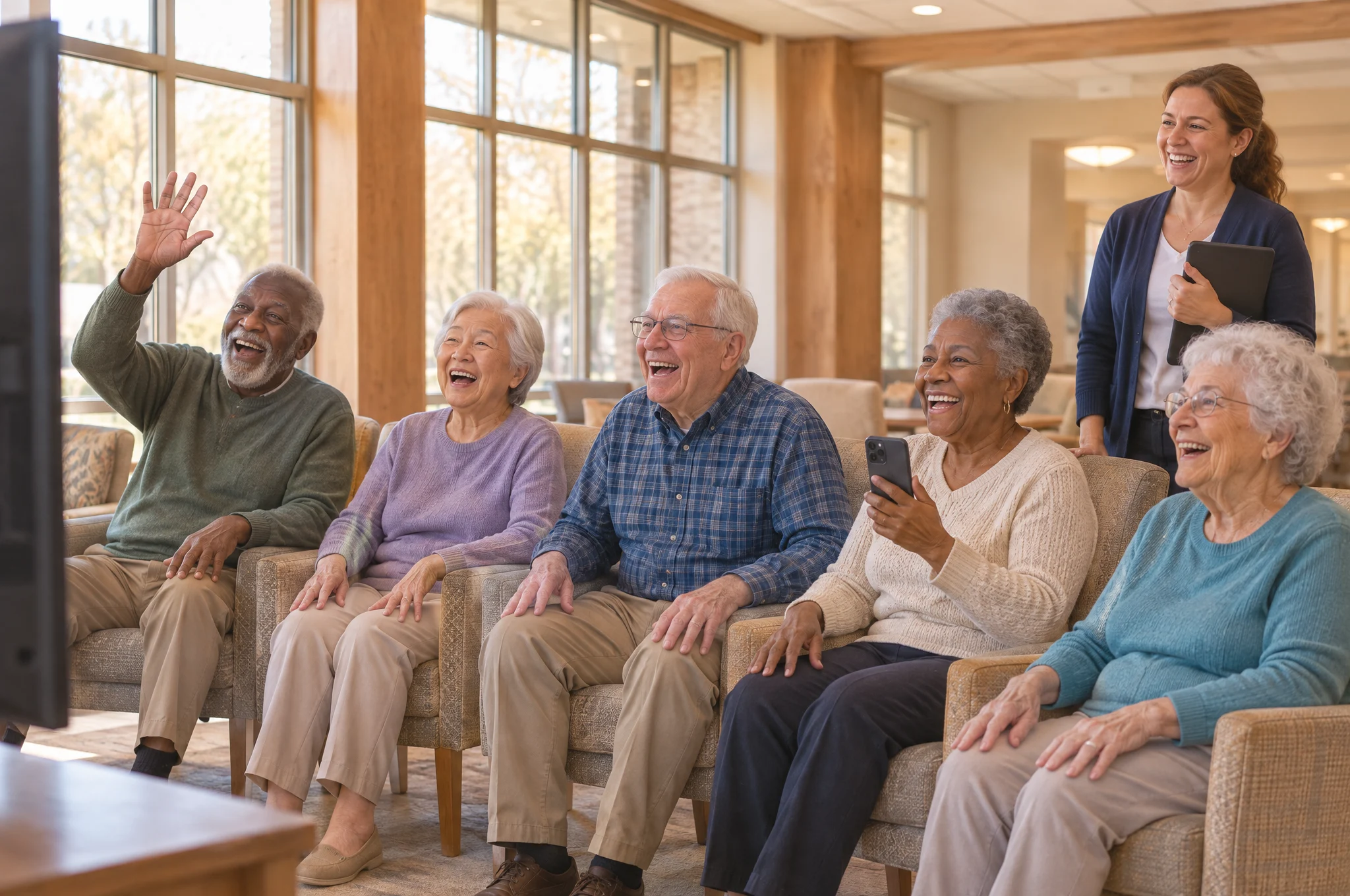
Hosting from your phone
Jeopardy
- Show the next clueOn the TV
- Reveal the answerUp next
- Keep scoreAutomatic
Host the show from your phone
Bingo, trivia and word games, with all the fun of a TV game show. One staff member runs it, and the whole room plays.
The TV
The game plays on your community TV through your digital signage or a laptop with HDMI. Schedule it ahead or start it on the spot.
Your phone
Staff run everything from a phone or tablet: move to the next round, reveal answers and keep score.
Their phones
Residents who want some real competition scan a QR code and play from their own phones. No app, no account.
Tonight's lineup
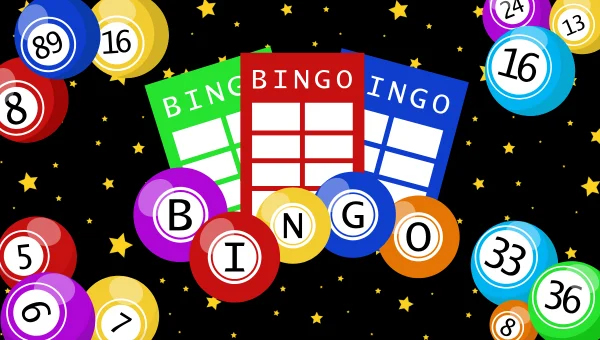
Virtual Bingo
Digital cards on every phone

Jeopardy
Buzz in from your phone
 New
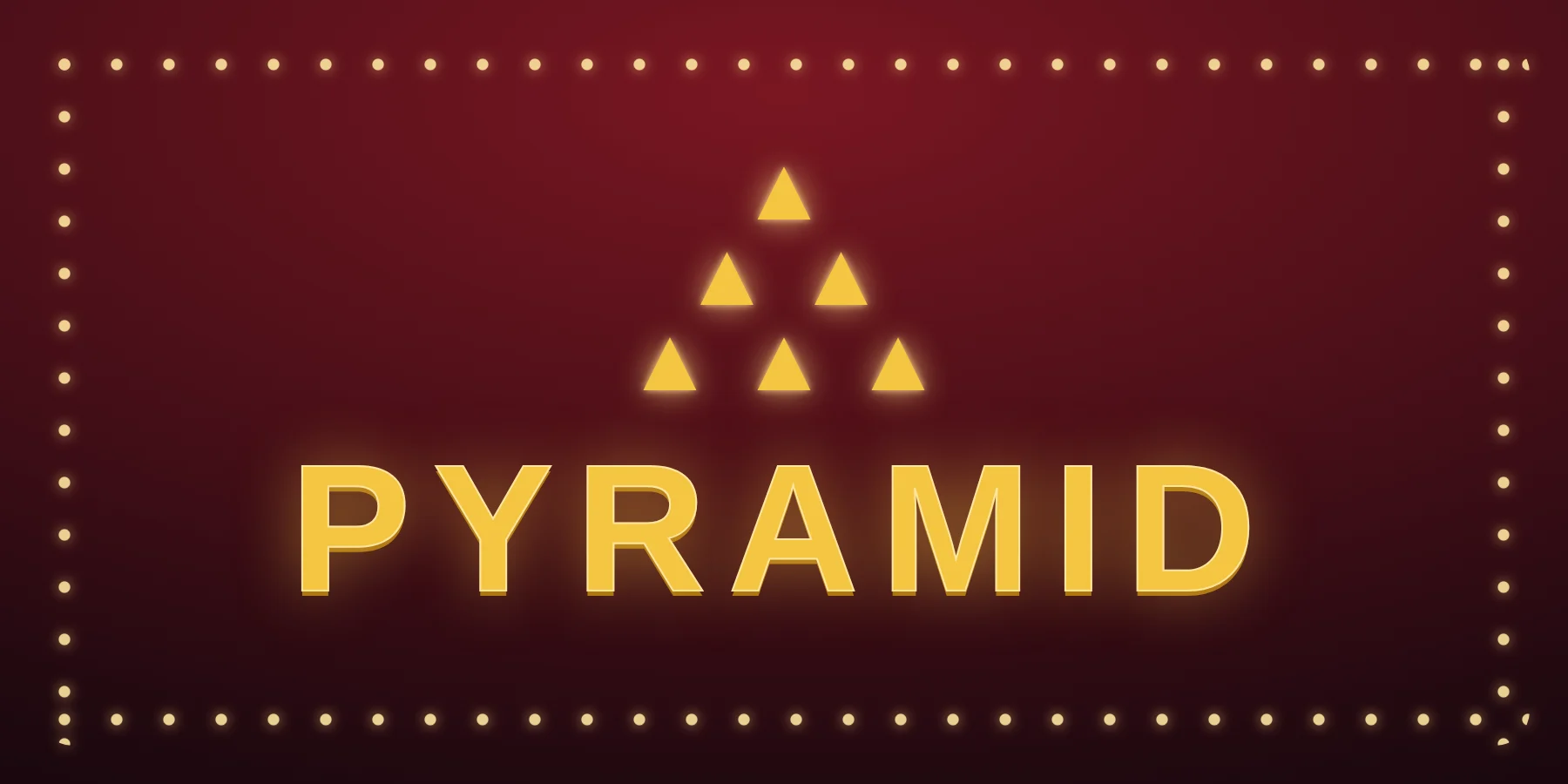
Pyramid
Describe it, then guess it
 New
Where in the World
Look around a real place and guess where
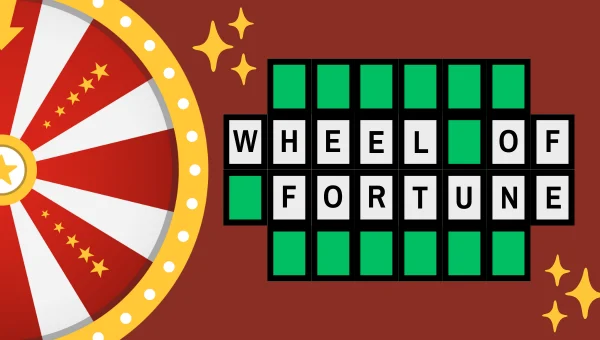
Wheel of Fortune
A spinning wheel and letter tiles
Family Feud
Team against team
The Big Quiz
Trivia, championship style
Word Twist
Unscramble the letters first
Scrabble
Words, played together
New games are added regularly.
Sign in to Quiltt GamesOnly need group games? Subscribe on Quiltt GamesFree to play, any time
Solitaire, Sudoku, Chess, Trivia and more, open to any resident. No sign-up, no subscription, no setup.
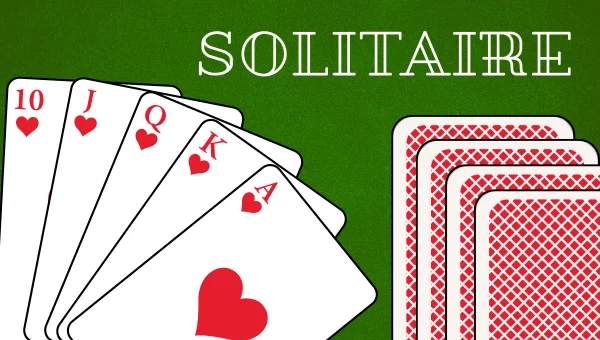
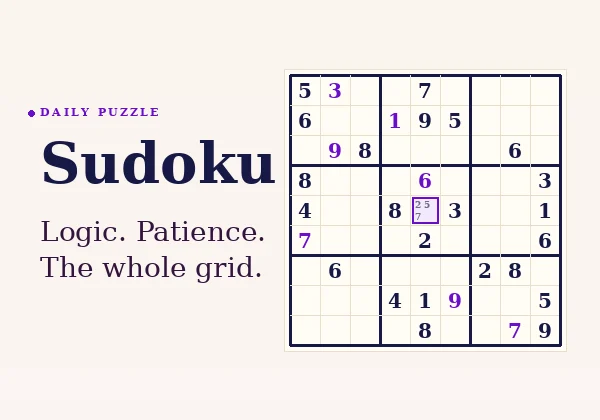
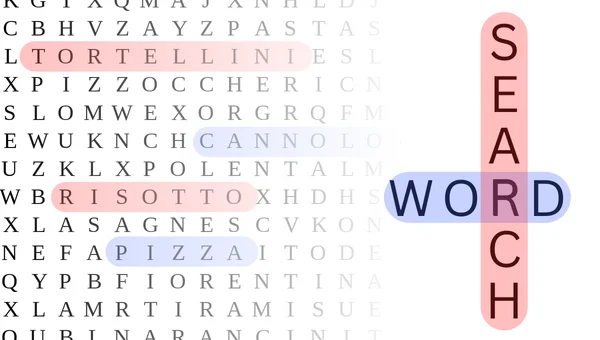
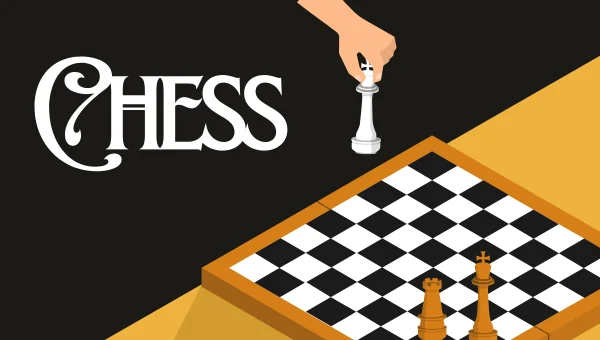
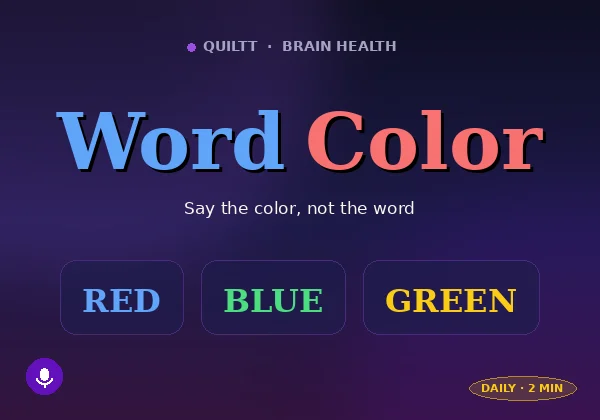
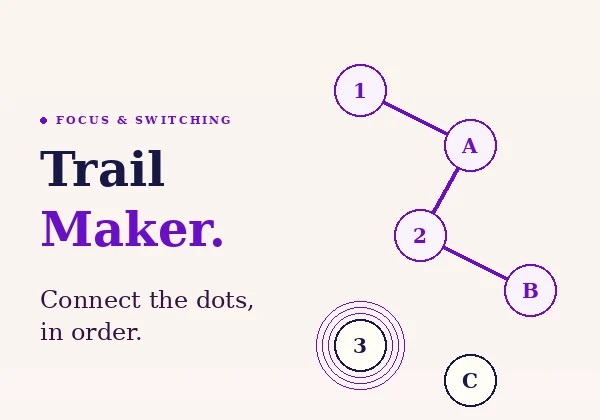
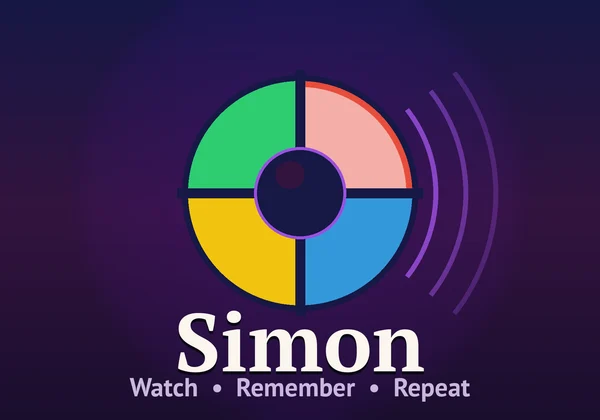
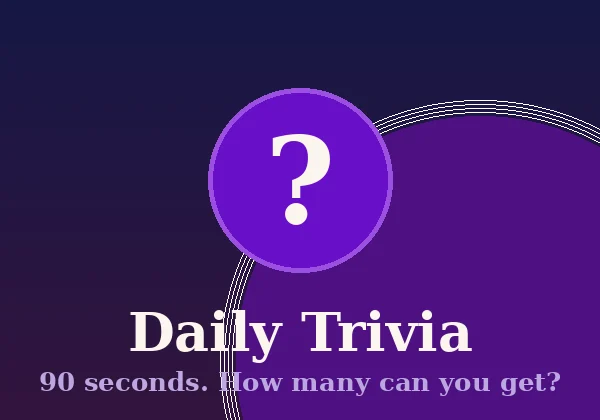
 Brain Health by Quiltt
A daily brain workout for each resident
Designed with Dr. Rob Winningham. A short assessment, about ten minutes, sets each resident’s level. Then their games are ready every day.
Ask about Brain HealthSigned in with MARGARET-742
Today's set is ready
- InhibitionStaying focused and holding back impulses
- MemoryHolding on to what you just saw
- AttentionNoticing what matters
- Processing speedTaking it in and responding
Games are picked for this resident's level.
Matched to each resident
The assessment places each resident in one of four levels. Lower levels get easier games and shorter sessions, and staff can play alongside.
Part of the care plan
Activity professionals can add specific brain health games to a resident's person-centered care plan, follow along and act on what they see.
Signals for your team
Coming soonTime spent, how often and how steadily each resident plays will show on the Connection Board, next to participation and mood.

Dr. Rob Winningham
Professor of Behavioral Sciences, Western Oregon University, and author of Train Your Brain
Dr. Winningham has spent his career studying which kinds of cognitive exercise work for older adults, and which don't. Brain Health follows that research: a brief, sound assessment, varied and targeted exercise, and steady measurement over time.
Much of it centers on inhibition, the ability to stay focused and hold back impulses. It is one of the first functions to decline with age, and its loss is a major factor in moves from independent living to assisted living and from assisted living to memory care.
Set up in minutes
There is nothing to install. Brain Health runs in any browser, on the tablets, phones, laptops and big screens you already have.
We set up your community
Send us your community name and your administrator's email. We create the account and send a sign-in link.
You add residents
One at a time or as a list. Each resident gets a friendly code like MARGARET-742, so there are no passwords or email accounts to manage.
Residents take the assessment and play
On their own if they're comfortable, or with staff help if they need it. Their recommended games are ready right after.
Questions about Quiltt Games
What do we need to run a group game?
A TV and a phone or tablet. Show the game through your digital signage or a laptop plugged in with HDMI, then run it from your phone. Residents who want to play along scan a QR code. There is nothing to download.
Do residents need an app or an account?
No. For group games they scan the QR code on the TV and play in their phone's browser. The free games open in any browser with no sign-up.
Can we schedule games ahead of time?
Yes. Schedule a game for later or launch it on the spot. Rounds, answers and scoring all run from the host's phone, so there is nothing to print or tally.
How long does the Brain Health assessment take?
About ten minutes. It is a short, gentle screening with recall tasks, simple drawing and light reasoning. Residents can take it on their own, or staff can help.
What if a resident has cognitive impairment or dementia?
The assessment places each resident in one of four levels. Lower levels get easier games and shorter sessions, and staff can play alongside. For residents with significant impairment, it works best when an activity director gives the assessment and joins the first few sessions.
Do residents need their own logins for Brain Health?
Each resident gets a sign-in code like MARGARET-742 that is easy to remember and say out loud. There are no passwords or email accounts. The activity director creates and shares the codes.
Is Brain Health medical or therapeutic?
No. Brain Health is a wellness program, not a clinical one. It does not diagnose, treat or replace medical care. It gives residents a structured way to exercise cognitive function as part of everyday community life.
How is Brain Health different from a brain training app?
Brain training apps are made for personal use. Brain Health is made for senior living, with Dr. Rob Winningham. It has a staff-assisted option, tools for the activity director, simple sign-in codes, and a place in each resident's care plan.
Can someone sign up on their own, outside a community?
Yes. The individual plan has the same brain health games, a personal assessment and daily recommendations, billed directly to you. Cancel anytime.
Bring game day to your community.
Try Quiltt Pro free for 14 days. After that it becomes Essentials, free forever. No credit card needed.