
Something new on every screen.
Daily slides that post themselves, plus flyers and signage for every event on your calendar.
Already on Quiltt? Open it from your admin portal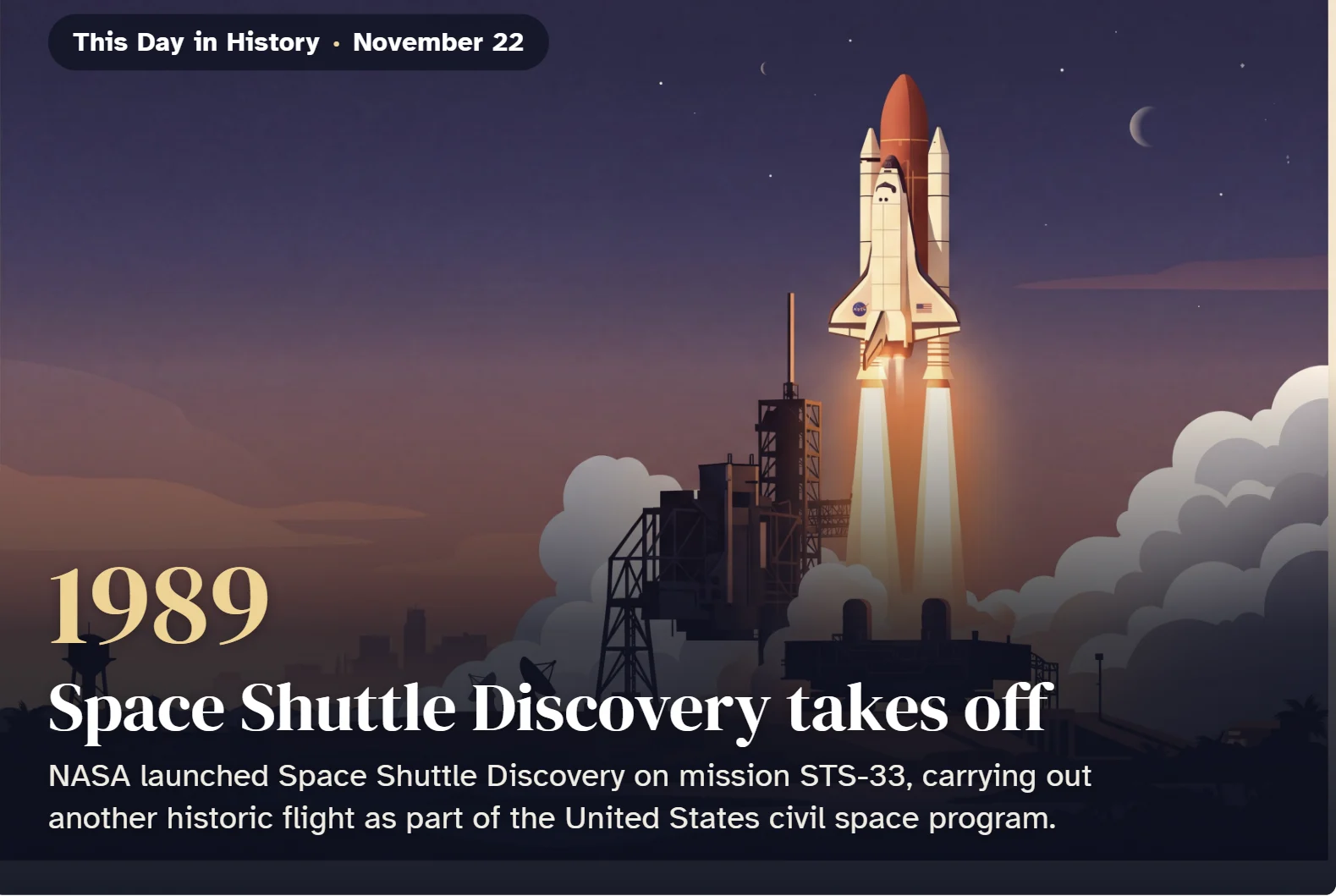
Today on your screens
- Before 10 amThis Day in HistoryOn now
- 10 am to 2 pmDaily QuoteUp next
- After 2 pmWord of the DayLater
Goes live on its own. Change or hide any slide.
Three fresh slides, every single day
Before 10 am, from 10 am to 2 pm, and after 2 pm, a new slide goes up on your screens by itself. Nobody has to make it, schedule it or remember it. Look it over, change it or hide it whenever you like.
Nine kinds of slides
- This Day in History
- Daily Quote
- Daily Chuckle
- Daily Trivia
- Born on This Day
- Did You Know?
- Finish the Saying
- Word of the Day
- Remember When?
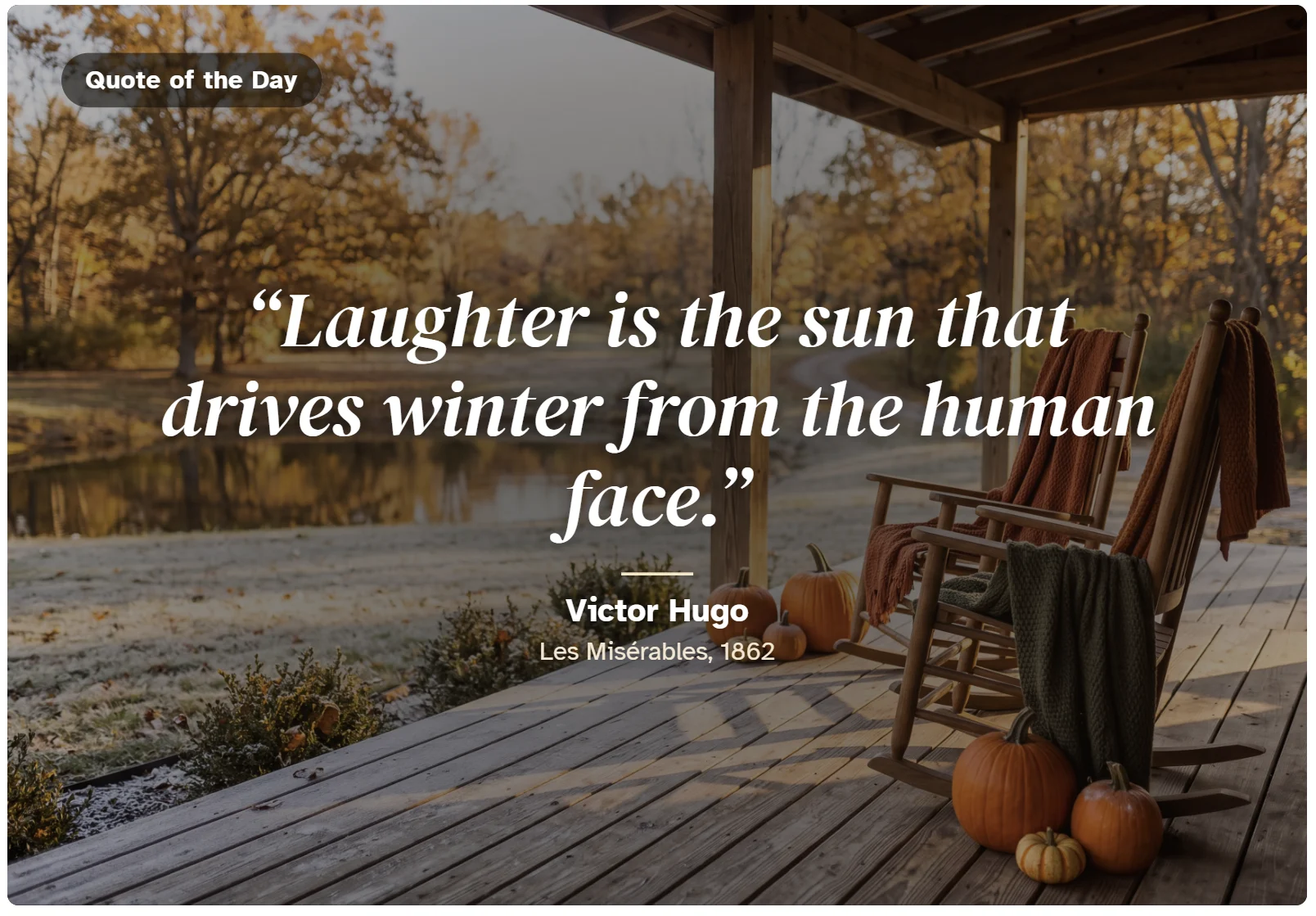
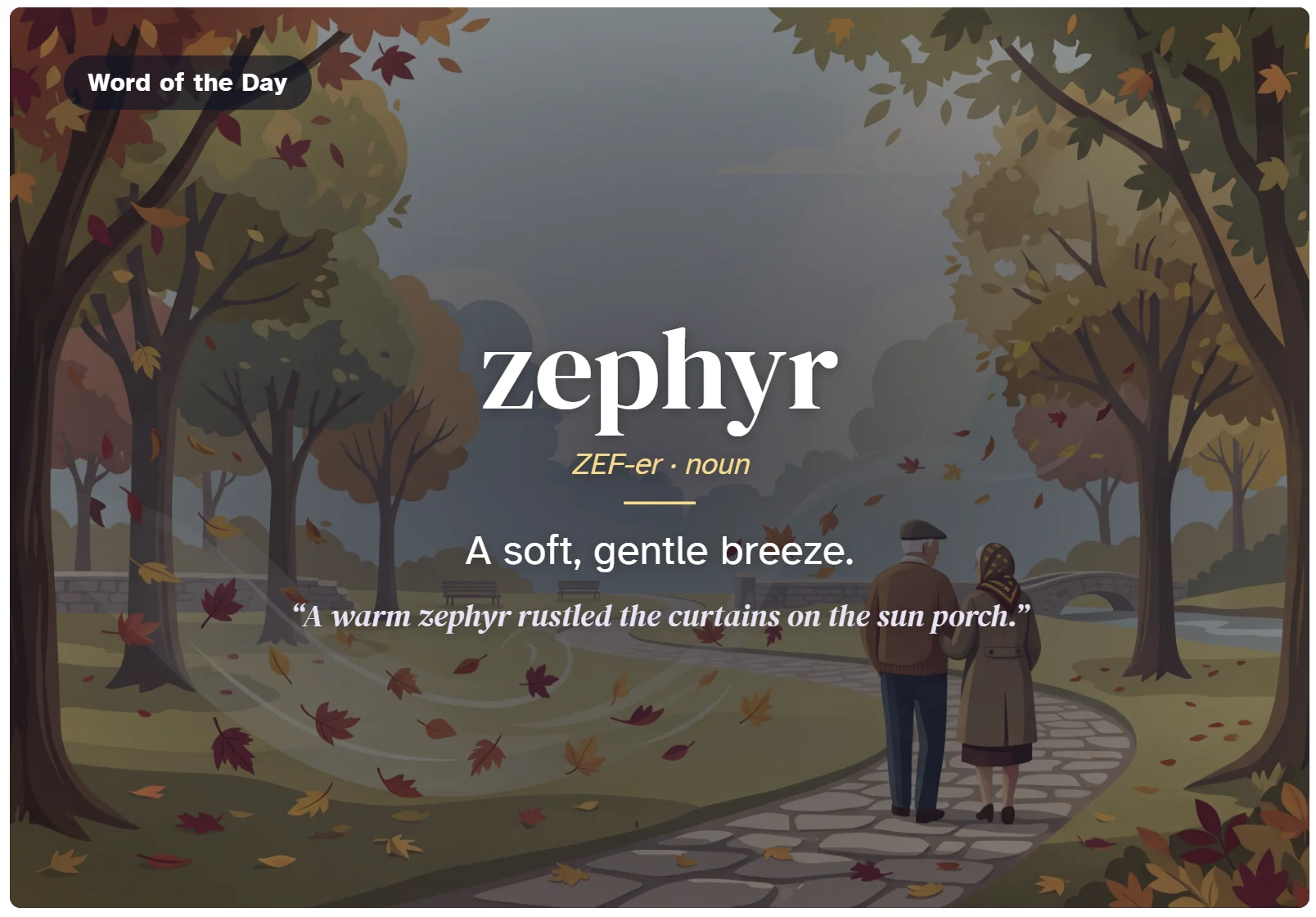
Daily slides made by the Design Generator.
From the calendar to the hallway
Pick an event and the Design Generator lays it out for you. Try another look as many times as you like.
Your calendar
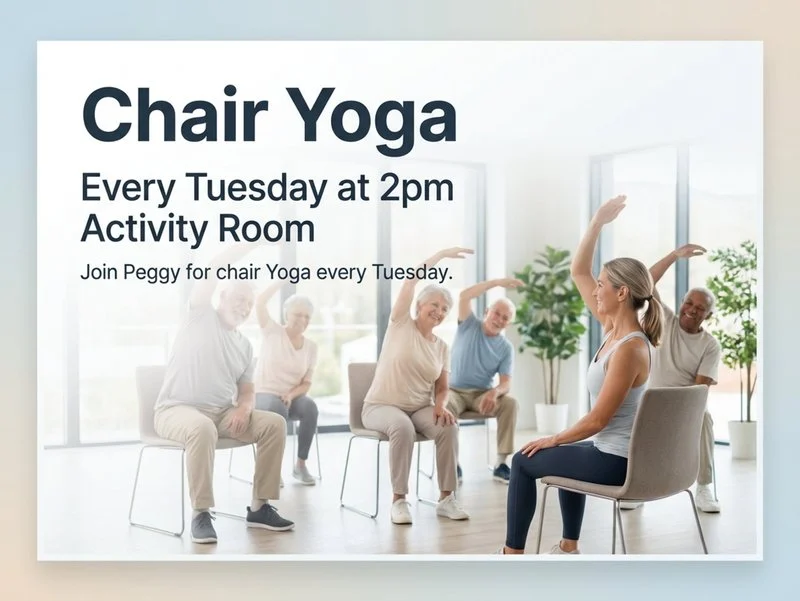
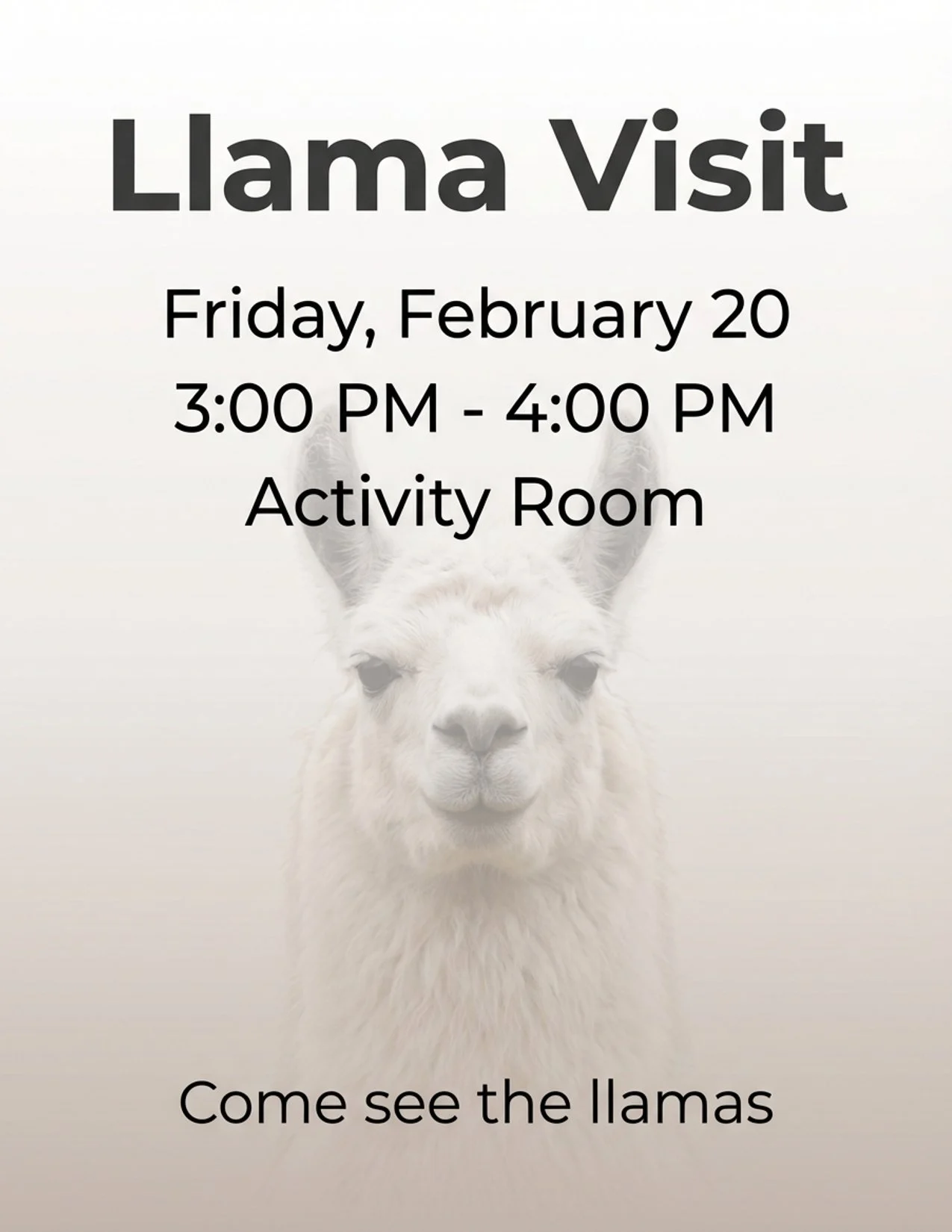
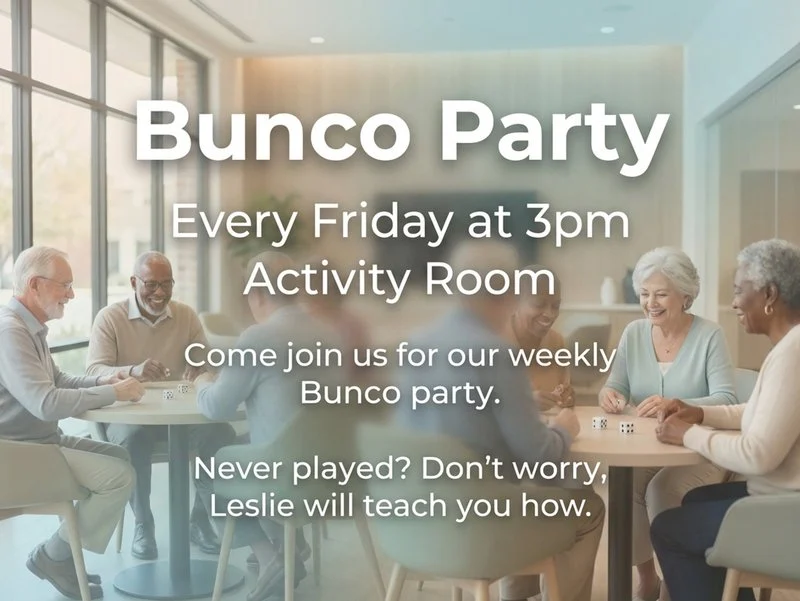
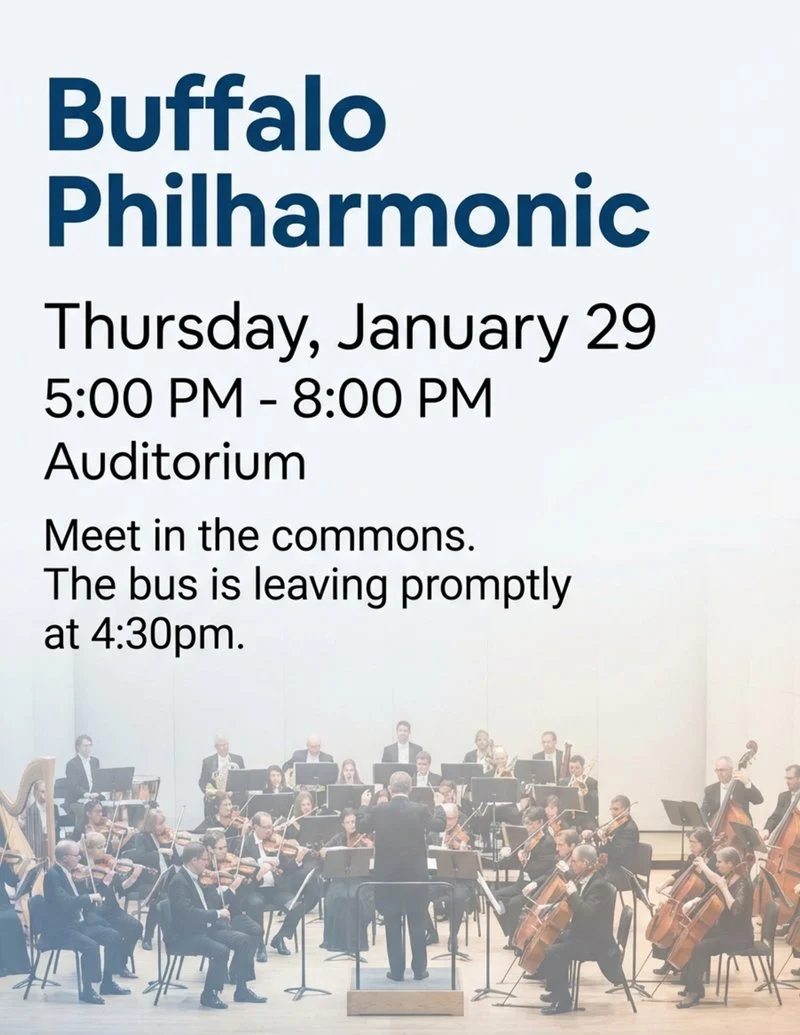
Start from the calendar
With calendar sync on Quiltt Pro and Enterprise, the event name, time and place fill in for you. Not on the calendar? Describe it in your own words.
On brand every time
Upload your logo and colors once, and every design uses them.
Print it or put it on screen
Download a print-ready PDF for the bulletin board or a PNG for your digital signage.
Questions about the Design Generator
Who can use the Design Generator?
Quiltt communities. If your community uses Quiltt, you already have it: open the Design Generator from your Quiltt admin portal.
What can it make?
Event flyers, activity announcements, and slides for lobby TVs and common area screens. It also makes three new daily slides, such as This Day in History, a Daily Quote or the Word of the Day.
Do I have to approve the daily slides?
No. A new slide goes live on its own before 10 am, from 10 am to 2 pm, and after 2 pm. You can review, change or hide any of them first.
Can every design use our branding?
Yes. Upload your logo and pick your colors once, and every design comes out on brand.
Do I need to type in the event details?
No. With calendar sync, on Quiltt Pro and Enterprise, you pick an event from your community calendar and the name, time and place fill in. For anything that is not on the calendar, describe it in your own words.
What if we run more than one community?
Quiltt Enterprise manages all of your locations in one place, so you can create and manage designs for every community from one account.
How many designs do I get?
Quiltt Pro includes 5 custom designs each month, for your own events and announcements. The daily slides don’t count toward them. If you need more custom designs, you can add them with a paid add-on.
Hand off the flyers and slides.
Try Quiltt Pro free for 14 days. After that it becomes Essentials, free forever. No credit card needed.