
One app for the whole community.
Staff log the day from their phone. Residents and families see it as it happens.
Get the app on App Store and Google Play
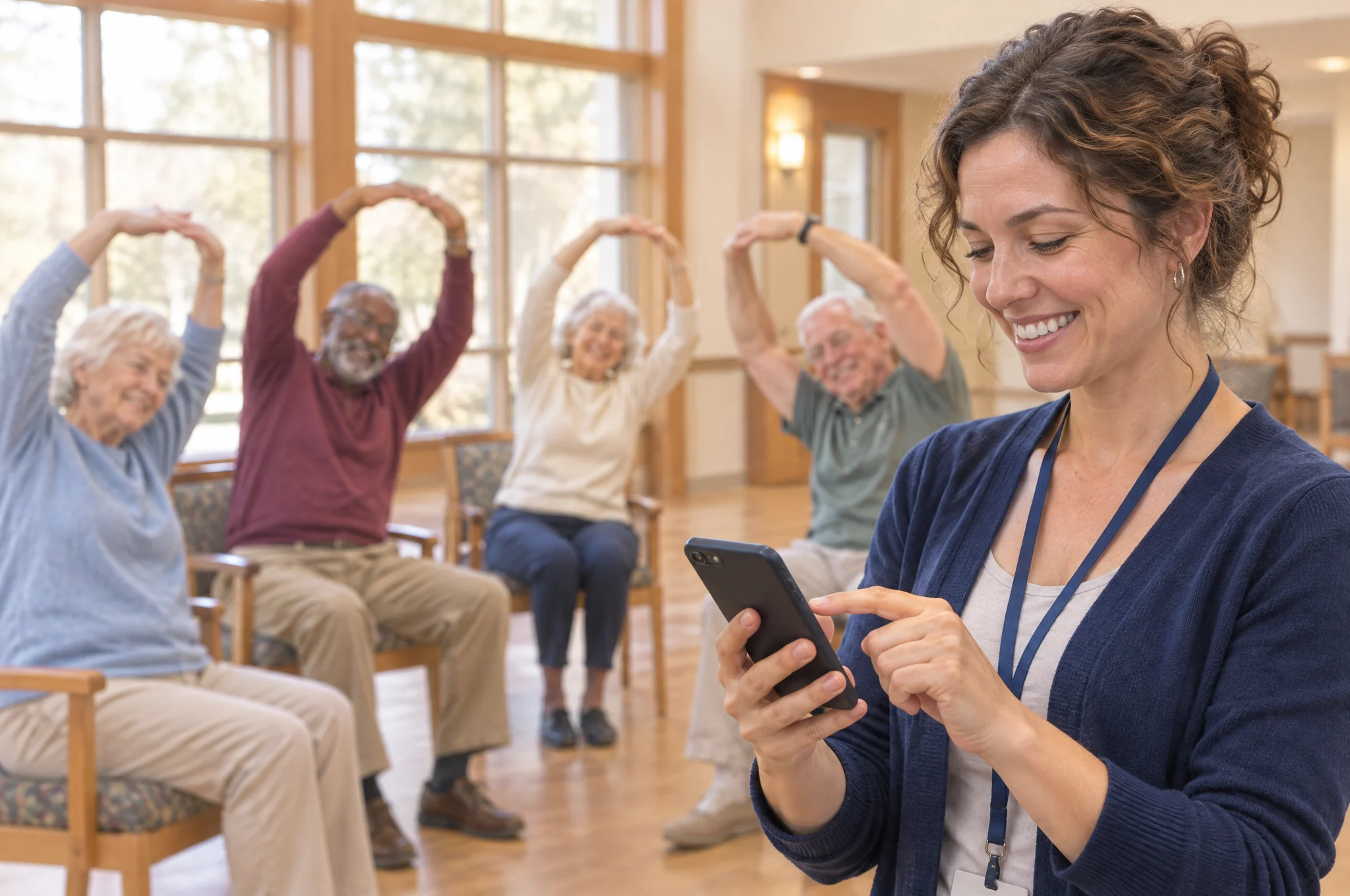
Logged today
- Chair stretchAttendance taken at 10:02 amLogged
- Ruth A.1:1 visit, reading togetherLogged
- Chair stretch albumPhotos added from the roomShared
- George's familyGeorge joined Chair stretchSent
Families hear about it the moment staff log it.
Log it in the room. Families hear right away.
Staff take attendance for group activities and log 1:1 visits from their phone, while it's happening. The moment they do, the resident's family gets an update.
Staff view
Chair stretch
Today, 10:00 am
4 attended
Try it: mark Ruth present, or log a 1:1 visit.
Ruth's family
What Ellen, her daughter, sees
- Ruth joined Morning coffee social.8:30 am
Updates go to the family members connected to that resident.
Take the photo once. It shows up everywhere.
Staff upload photos to an album right from their phone. They appear in the app and on your signage, and they're waiting in the admin portal when it's time to build the newsletter.
Watercolor class
Shared with residents and families
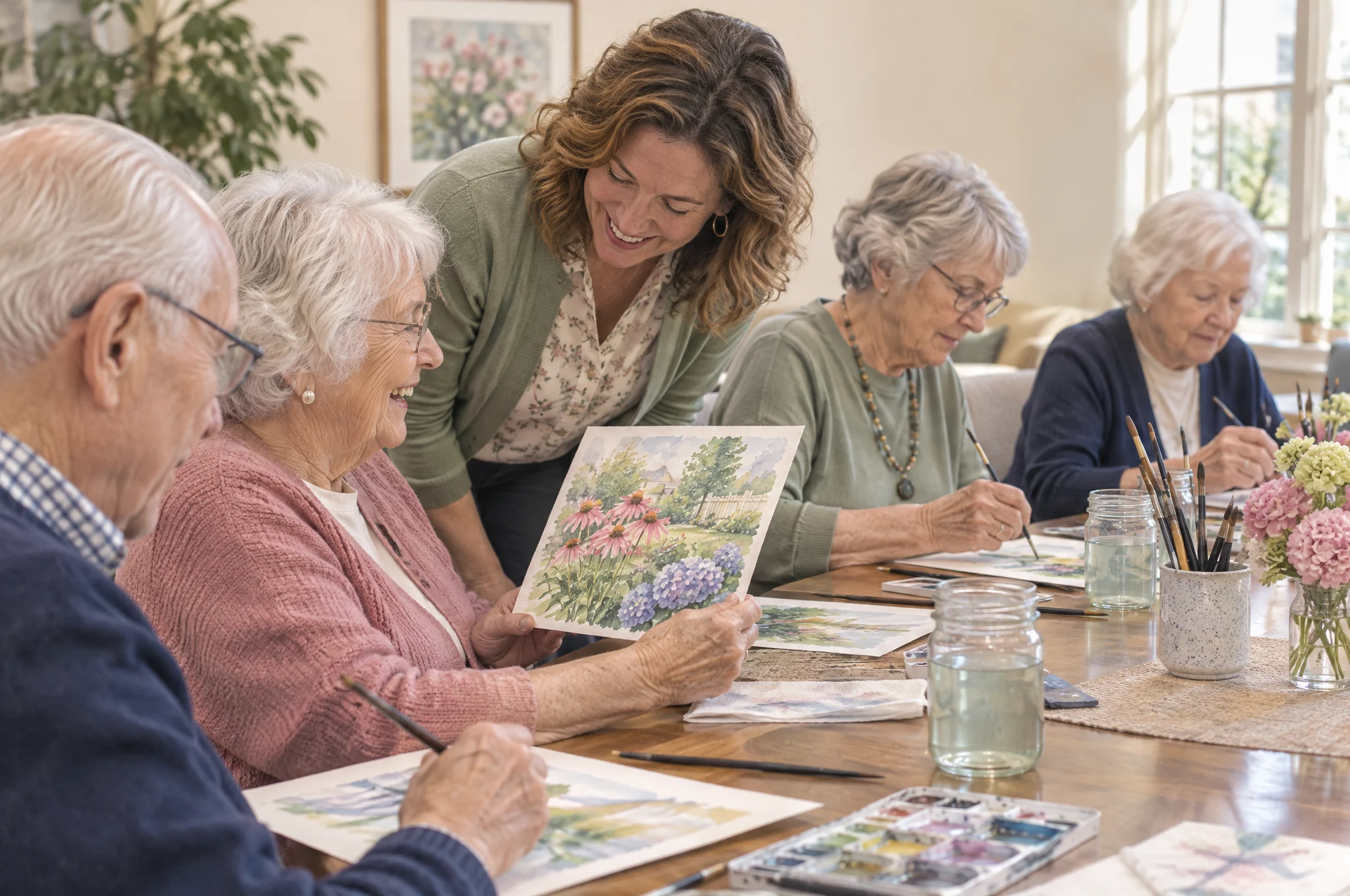


In the app
Residents and families open the album and save the photos they love. Staff choose who can view each one.
Maple Ridge
Senior Living

10:43
Tuesday, October 6
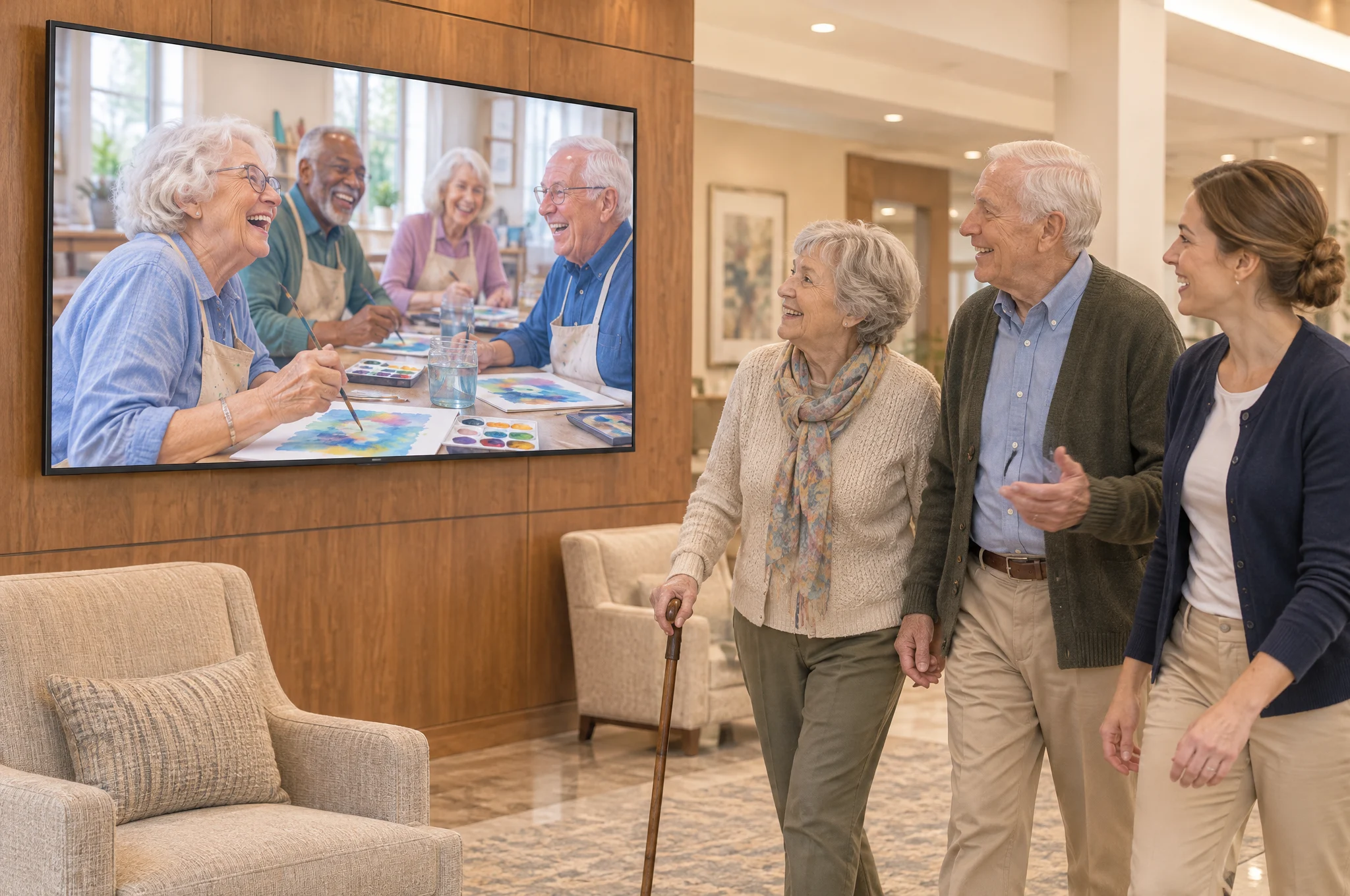
On your signage
Album photos can play on the screens around your community.
Newsletter draft
Live piano in the lounge
Photo from the Live piano album
In the admin portal
Every photo is there for the newsletter, with no emailing files to yourself.
Everything about home, in one place.
Residents and families use the same app to stay close to each other and to what's happening in the community.
Your people
- EllenDaughterVideo call
- SamGrandsonVideo call
- RitaFriend down the hallVideo call
Video calls with their people
Residents and families can video call anyone they're connected to, right from the app.
Every event, searchable
The whole calendar is there to browse or search, so nobody has to hunt for a printed copy.
- Chair stretchFitness roomMon, 10:00 am
- Live pianoMain loungeTue, 2:00 pm
- Watercolor classArt studioWed, 1:30 pm
- Music triviaMain loungeThu, 3:00 pm
- Movie nightTheaterFri, 7:00 pm
- Garden clubCourtyardSat, 9:30 am
Today
- Breakfast
- Buttermilk pancakes, fresh berries
- Lunch
- Chicken pot pie, garden salad
- Dinner
- Baked salmon, rice pilaf
Today's meals
The daily menu, so everyone knows what's for lunch.
Photos to keep
Download any photo from the albums they can see.
- Ruth A. (you)
- Harold B.
- June K.
- Mae L.
An opt-in directory
Only people who choose to be listed show up.
Questions about the Quiltt app
Who is the Quiltt app for?
Residents, families and staff all use the same app. Staff log activities and add photos. Residents and families see events, meals and photos, video call the people they're connected to, and families get updates about their loved one.
Does it cost more to add families?
No. Every Quiltt plan includes unlimited resident, family and staff users.
Which phones does it work on?
iPhone and Android. Download Quiltt from the App Store or Google Play.
What can staff do from the app?
Take attendance for group activities, log 1:1 visits, and upload photos straight to an album. No trip back to the desk to enter it later.
What do families see when staff log an activity?
An instant update. Whenever staff log a group activity or a 1:1 visit for their loved one, the family members connected to that resident hear about it right away.
Who can residents and families video call?
Anyone they're connected to in the app, such as a resident's children, grandchildren or friends.
Where do photos go after staff upload them?
Into the album staff choose. From there they show in the mobile app and on your signage, and they're in the admin portal when you put together your newsletter. Staff choose who can view each album, and residents and families can download the photos they see.
Is everyone listed in the directory?
No. The directory is opt-in, so it only shows people who choose to be listed.
How do we try it?
Start a free trial. You get Quiltt Pro free for 14 days, then it becomes Essentials, free forever. No credit card needed.
Bring everyone into the same app.
Try Quiltt Pro free for 14 days. After that it becomes Essentials, free forever. No credit card needed.
Resident or family member? Download Quiltt from the App Store or Google Play.